How Intelligent Routing Works
One of RoutePlex's most powerful features is intelligent routing — the ability to automatically select the best AI model for each request. Here's how it works under the hood.
The Challenge
Not all AI models are created equal. GPT-4o excels at complex reasoning. Claude handles long context windows well. Gemini offers cost-effective performance for simpler tasks. The "best" model depends entirely on what you're asking it to do.
Choosing the right model manually for every request is tedious, error-prone, and hard to optimize at scale.
How RoutePlex Solves This
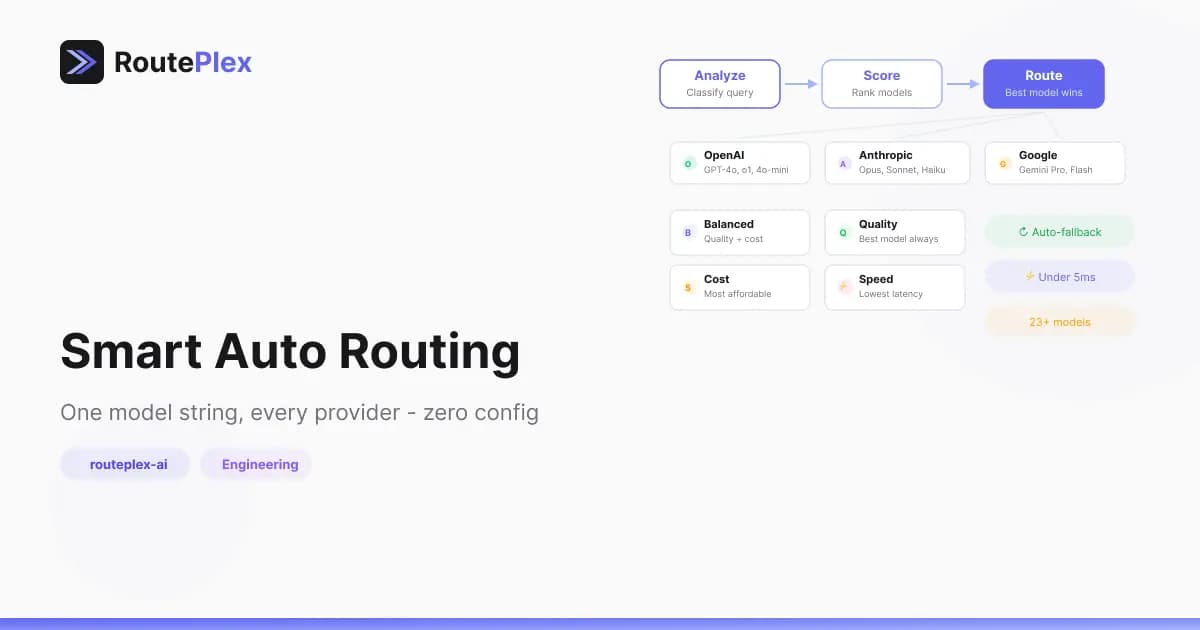
When you send a request with model: "routeplex-ai", the router matches the request to the best-fit model from our pool across OpenAI, Anthropic, and Google.
A few things happen behind the scenes:
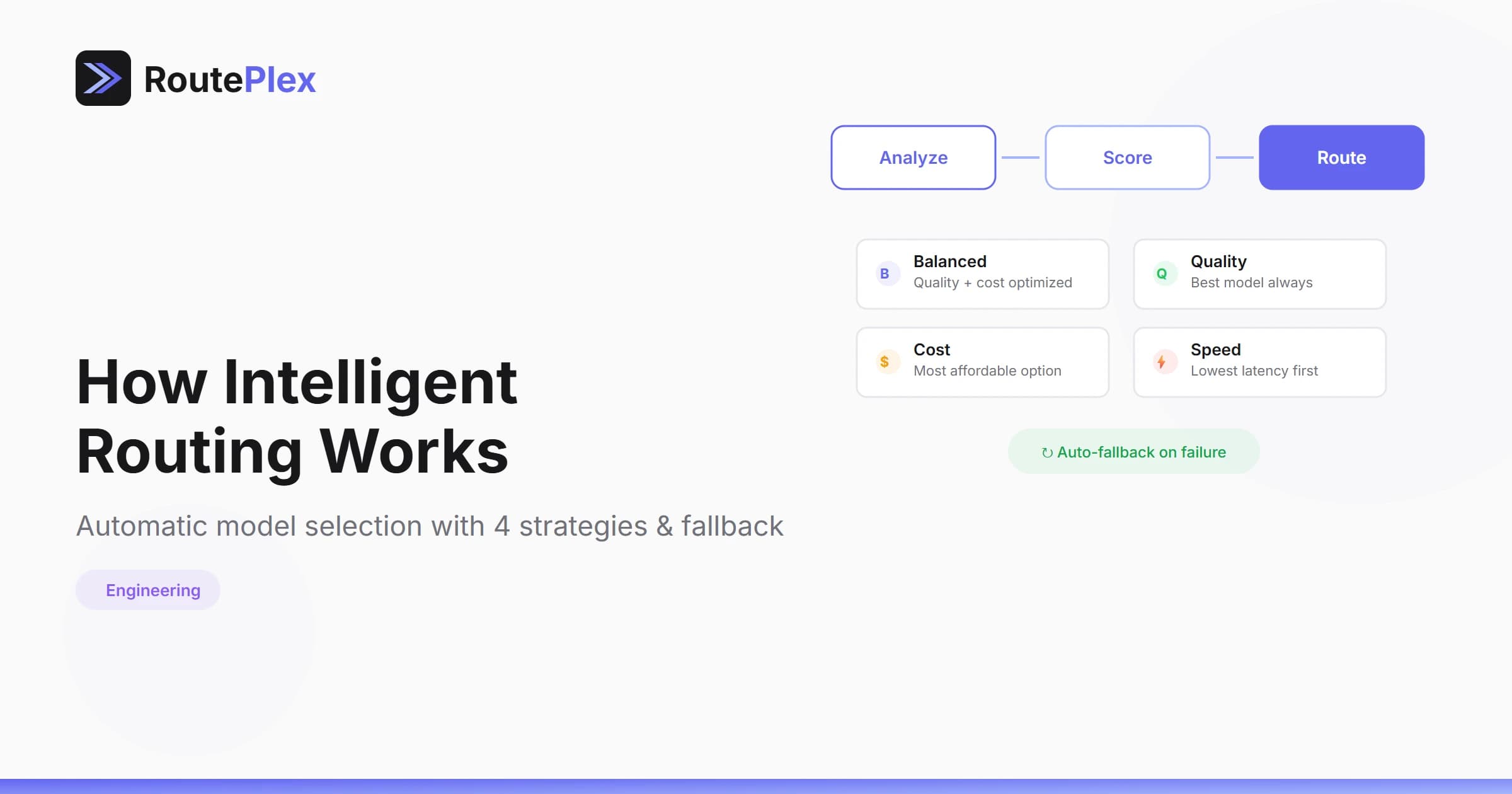
- Request understanding — the router inspects the prompt's shape and intent — is it code, analysis, creative writing, a quick lookup?
- Model suitability — models are evaluated for how well they handle this kind of task.
- Provider health — unhealthy or degraded providers are skipped; only reliable options remain in the running.
- Your preferences — strategy (
cost,quality,speed,balanced) and budget caps further shape the selection.
The router picks the best candidate and sends the request. If that model fails, it transparently retries with the next-best option — your application never sees the retry.
The Result
- Better quality — Requests are matched to models that handle them best
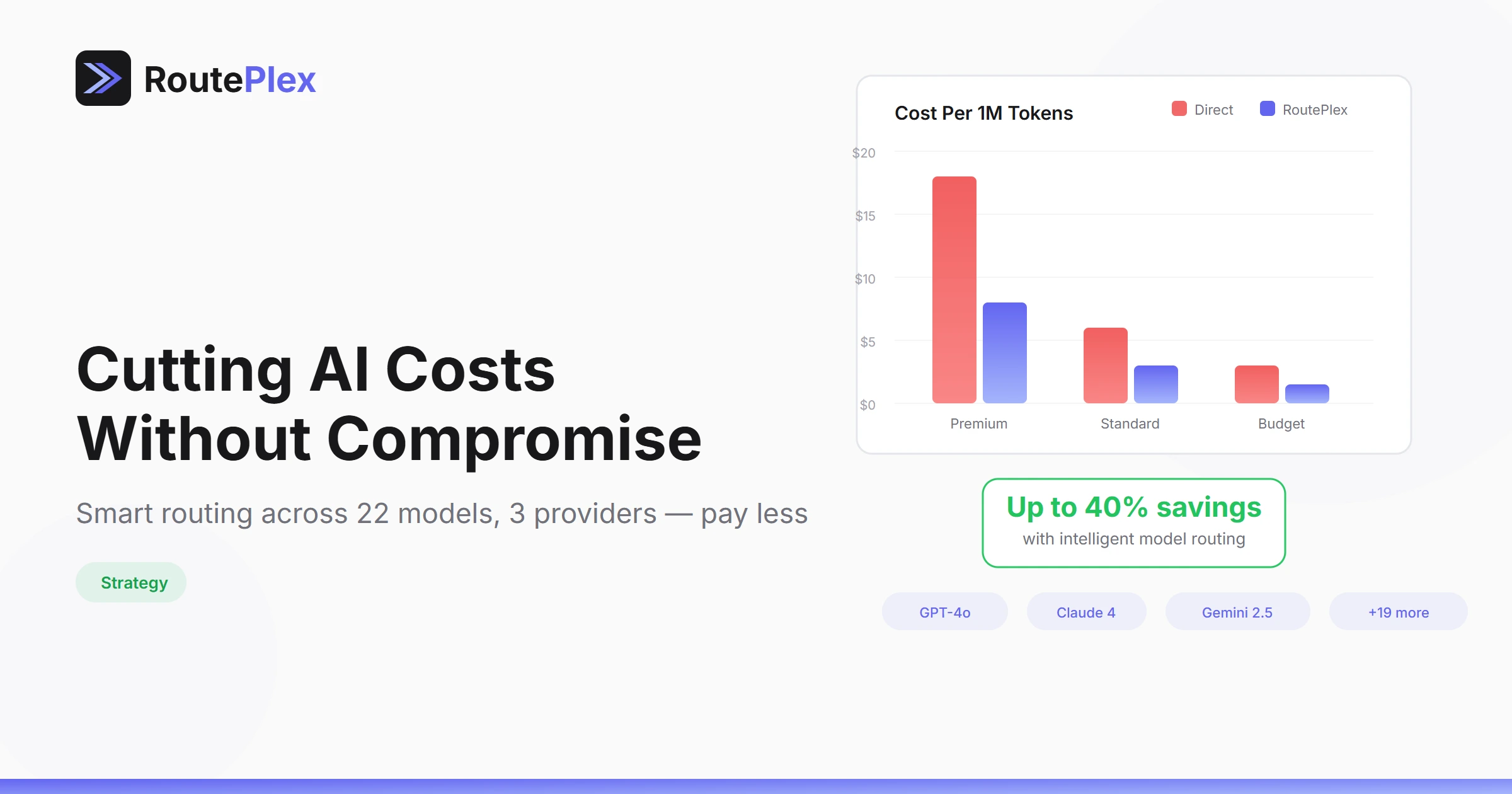
- Lower costs — Simple requests route to cost-effective models
- Higher reliability — Multi-model fallback means 99.9%+ effective uptime
- Zero effort — You write one integration and get the benefits of every model
Direct Mode
Of course, if you know exactly which model you want, you can always specify it directly:
model: "openai/gpt-4o"
model: "anthropic/claude-sonnet-4"
model: "google/gemini-2.5-flash"
Intelligent routing is the default. Direct mode is always available.