Auto Routing: One Model String, Every Provider
Most AI gateways make you pick a model. RoutePlex lets you skip that decision entirely.
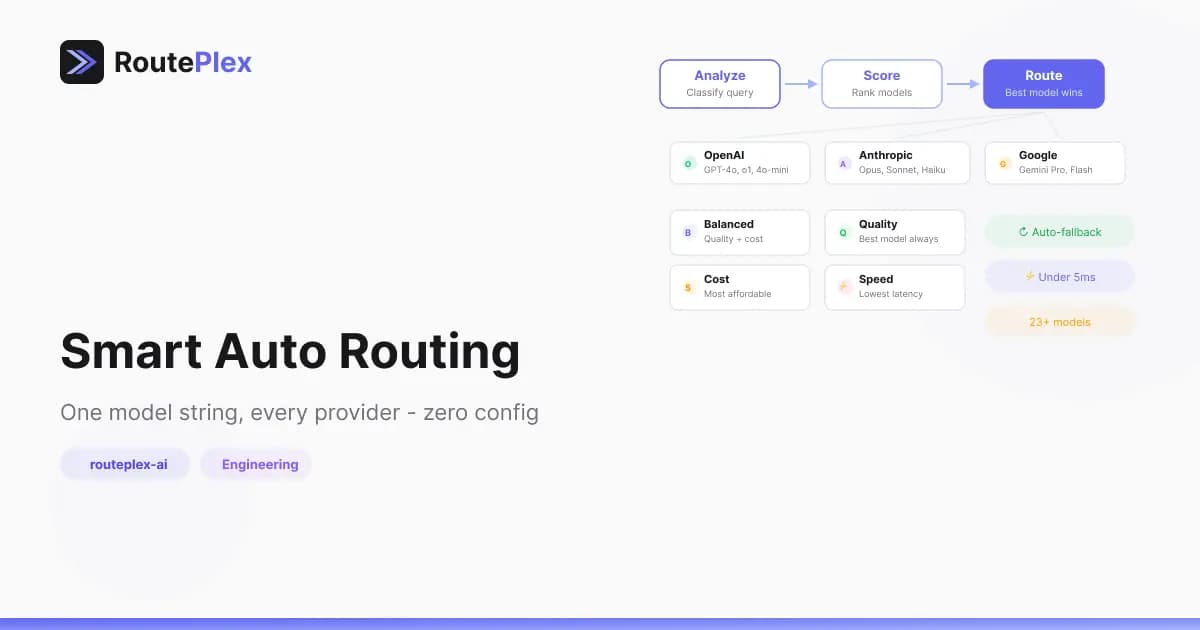
Set model: "routeplex-ai" and the router handles everything — analyzing your request, evaluating available models, and selecting the best one across OpenAI, Anthropic, and Google. If that model fails, it falls back to the next best option. Your application never sees the retry.
How It Works
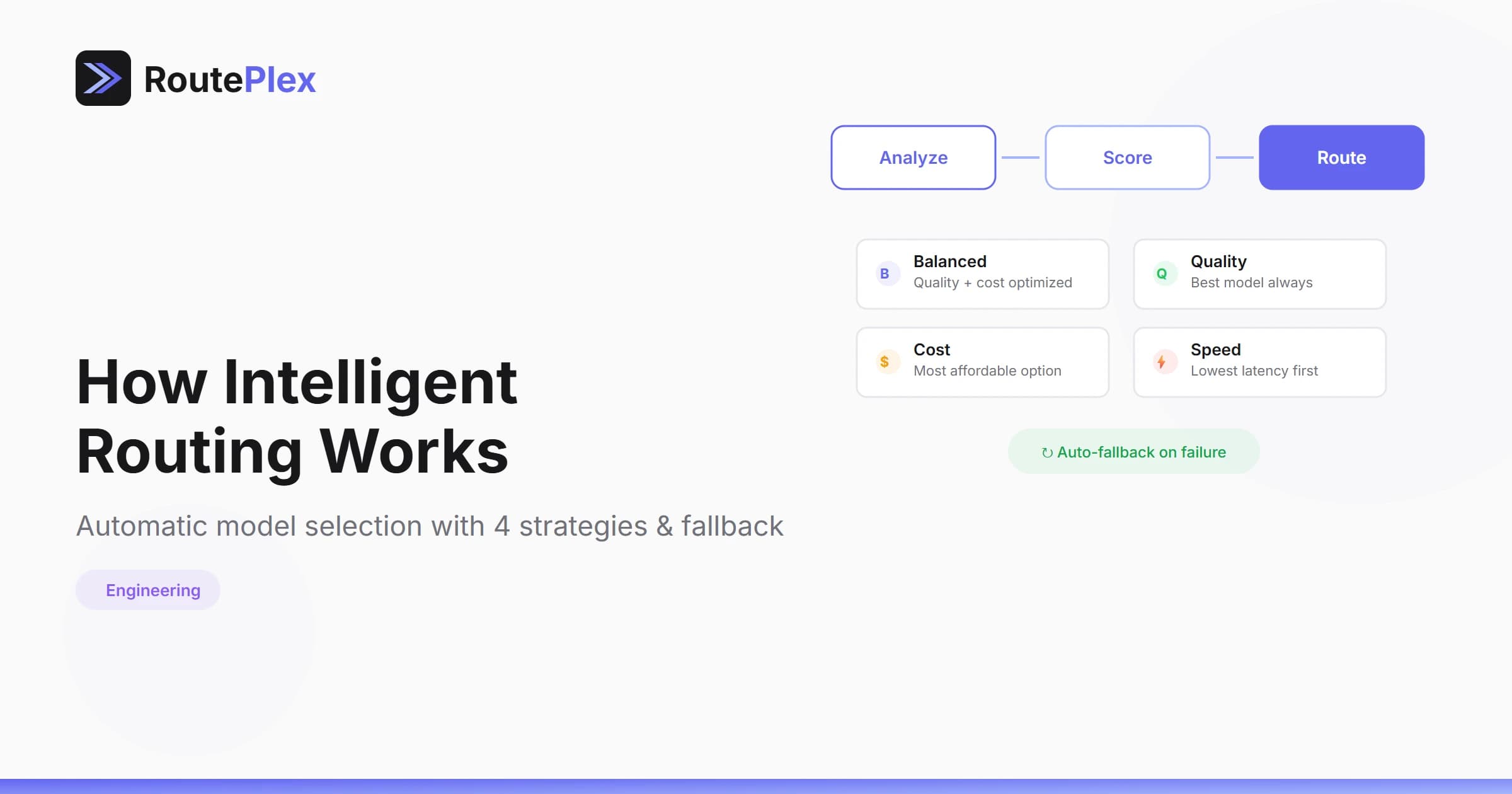
Auto routing runs a request through a short, fast classification + selection pipeline:
- Classify — the router inspects your prompt to detect the query type (code, analysis, math, creative writing, conversation, etc.) and rough complexity. This happens locally — no LLM calls, no meaningful latency.
- Select — every available model is evaluated against the classification result. Healthy, task-fit models are preferred.
- Route — the best model wins. If it returns a 5xx or times out, the router transparently tries the next-best candidate — your application never sees the retry.
Strategies
You can steer selection by passing a routing strategy. Each strategy biases selection toward a different priority:
| Strategy | Best for |
|---|---|
| (default) | Adaptive — selection tuned to the specific prompt |
quality | Complex reasoning, code review, deep analysis |
cost | High-volume, simple classification, bulk summarization |
speed | Chat UIs, real-time interactions, quick lookups |
balanced | Well-rounded trade-off across all priorities |
from openai import OpenAI

client = OpenAI(
    base_url="https://api.routeplex.com/v1",
    api_key="rp_live_YOUR_KEY"
)

# Default: let the router choose per prompt
response = client.chat.completions.create(
    model="routeplex-ai",
    messages=[{"role": "user", "content": "Summarize this article"}]
)

# Prioritize quality
response = client.chat.completions.create(
    model="routeplex-ai",
    messages=[{"role": "user", "content": "Review this code for security vulnerabilities"}],
    extra_headers={"X-RoutePlex-Strategy": "quality"}
)

# Prioritize cost
response = client.chat.completions.create(
    model="routeplex-ai",
    messages=[{"role": "user", "content": "Classify this text as positive or negative"}],
    extra_headers={"X-RoutePlex-Strategy": "cost"}
)

# Prioritize speed
response = client.chat.completions.create(
    model="routeplex-ai",
    messages=[{"role": "user", "content": "Quick: what's 15% of 240?"}],
    extra_headers={"X-RoutePlex-Strategy": "speed"}
)
Works With the OpenAI SDK
Auto routing is fully compatible with the OpenAI SDK. No custom client, no wrapper library — just change your base_url:
import OpenAI from "openai";

const client = new OpenAI({
    baseURL: "https://api.routeplex.com/v1",
    apiKey: "rp_live_YOUR_KEY",
});

const completion = await client.chat.completions.create({
    model: "routeplex-ai",
    messages: [{ role: "user", content: "Explain how DNS works" }],
    stream: true,
});

for await (const chunk of completion) {
    process.stdout.write(chunk.choices[0]?.delta?.content || "");
}
Streaming, function calling, and all standard parameters work exactly as expected.
Auto Routing + Self-Learning
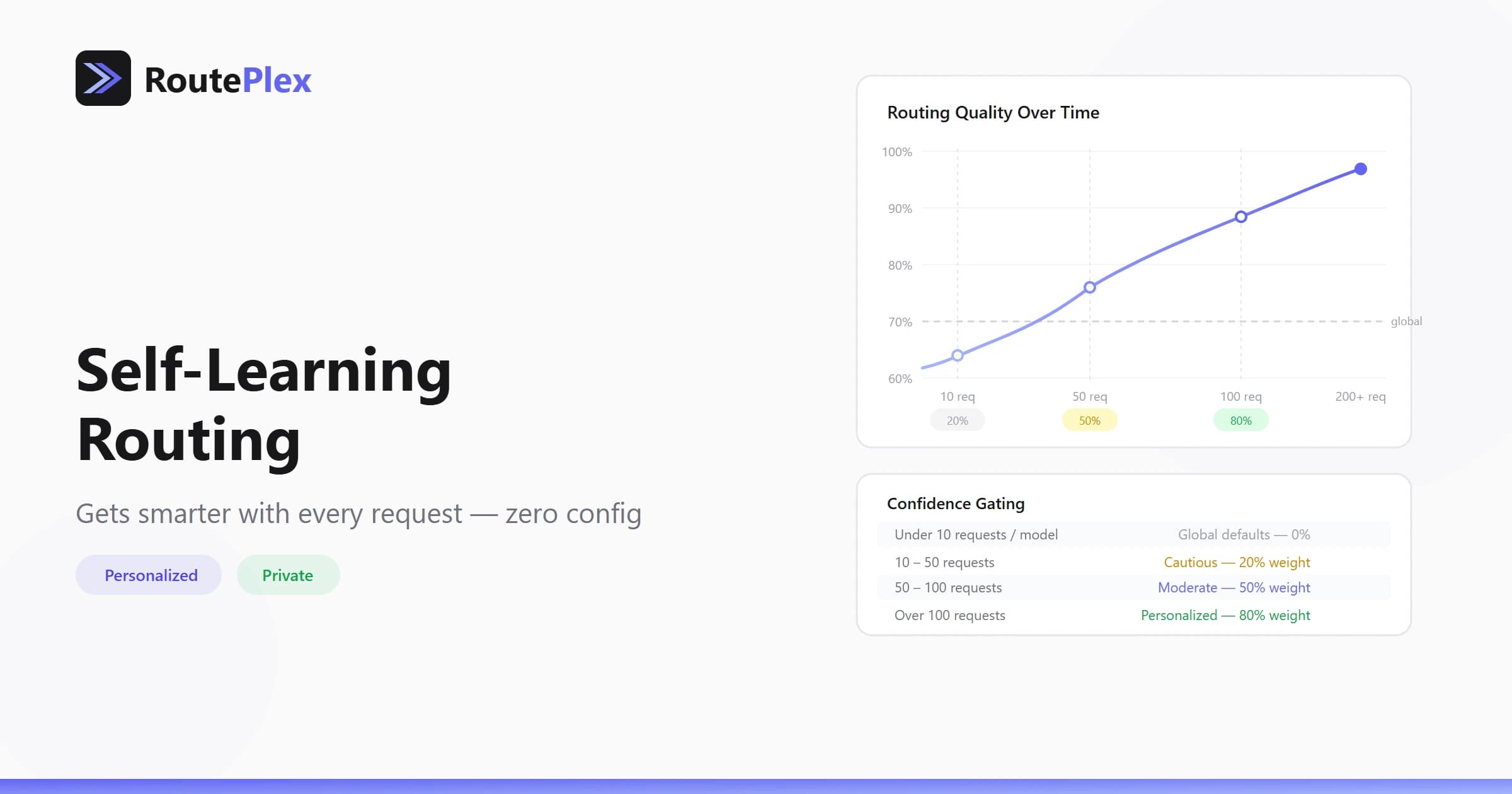
If you have Self-Learning Routing enabled, auto routing gets smarter over time. The router learns which models consistently work best for your workload and tilts selection in their favor.
After enough usage, routing decisions are personalized to your specific use case. No configuration required.
When to Use Direct Mode Instead
Auto routing handles the common case well. But there are scenarios where specifying a model directly makes more sense:
- Reproducibility — If you need deterministic model selection for testing or compliance
- Model-specific features — If you're using features unique to a specific model (e.g., vision, extended thinking)
- Cost control — If you want to pin to a specific cheap model regardless of query complexity
# Direct mode — bypass auto routing
response = client.chat.completions.create(
    model="anthropic/claude-sonnet-4",
    messages=[{"role": "user", "content": "..."}]
)
The Bottom Line
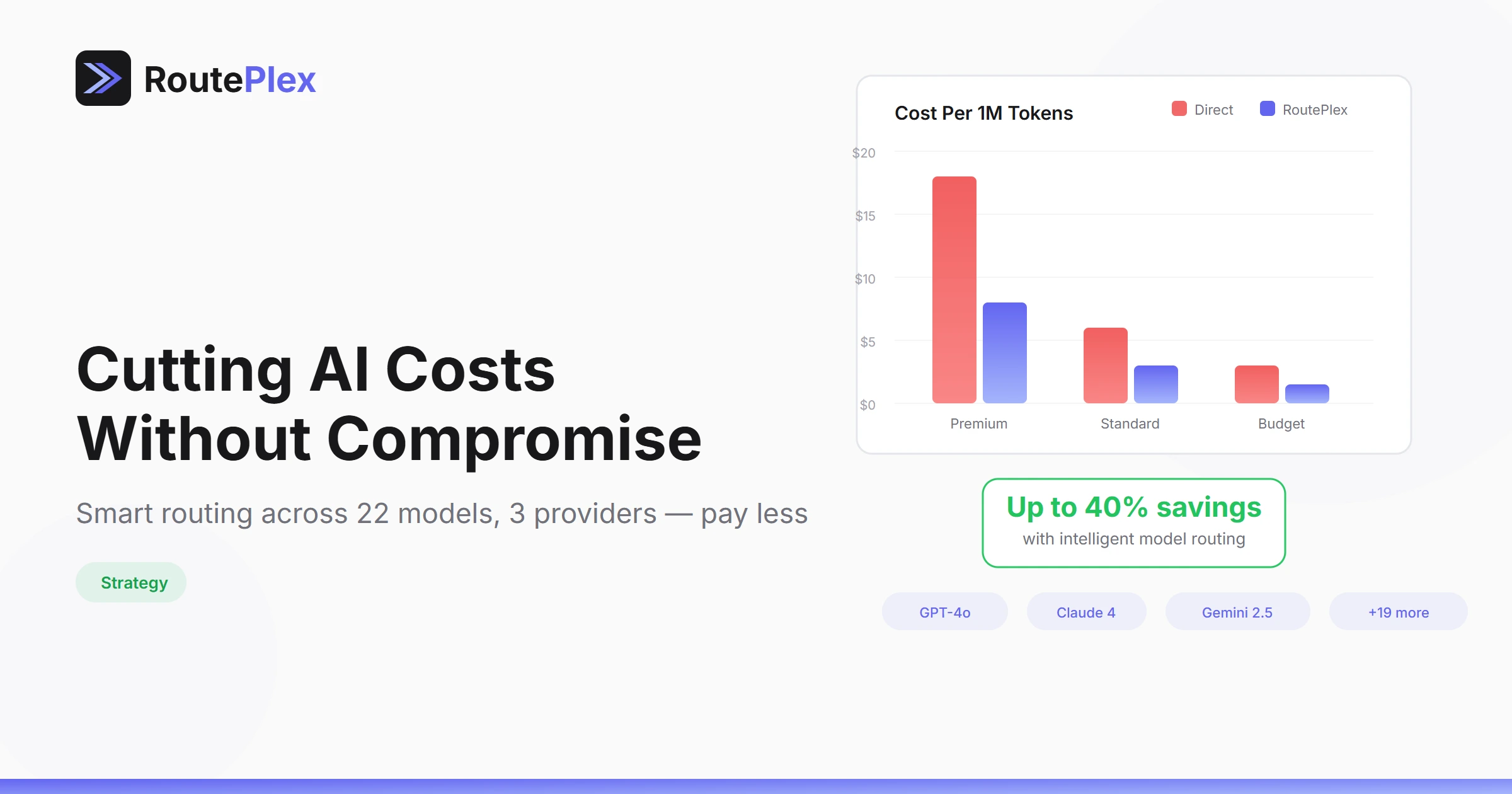
Auto routing removes the model selection decision from your codebase. You get the best model for each request, automatic failover across providers, and cost optimization — all through a single model string.
One integration. Every model. Zero configuration.