Use RoutePlex with the OpenAI SDK
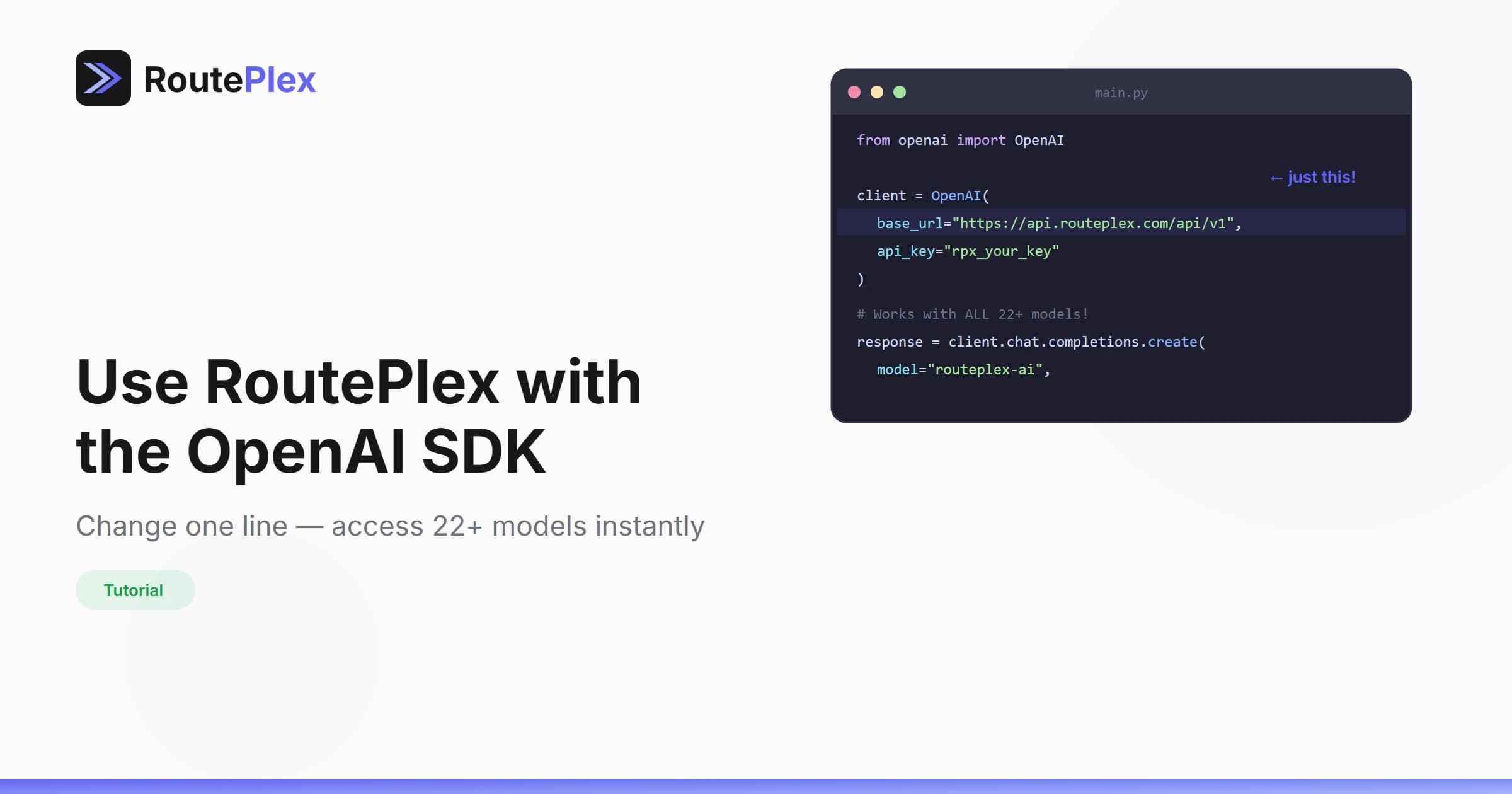
You don't need a new SDK to use RoutePlex. If you already use the OpenAI SDK, you can access all 30+ models — including Claude, Gemini, and more — by changing a single line of code.
How It Works
RoutePlex implements the OpenAI Chat Completions API specification. This means any tool, library, or framework that speaks the OpenAI protocol works with RoutePlex out of the box.
Python
python
from openai import OpenAI

client = OpenAI(
    base_url="https://api.routeplex.com/v1",
    api_key="rp_live_your_api_key"
)

response = client.chat.completions.create(
    model="routeplex-ai",  # or "anthropic/claude-sonnet-4", "google/gemini-2.5-flash", etc.
    messages=[
        {"role": "user", "content": "Hello from RoutePlex!"}
    ]
)
TypeScript / JavaScript
typescript
import OpenAI from "openai";

const client = new OpenAI({
    baseURL: "https://api.routeplex.com/v1",
    apiKey: "rp_live_your_api_key"
});

const response = await client.chat.completions.create({
    model: "routeplex-ai",
    messages: [
        { role: "user", content: "Hello from RoutePlex!" }
    ]
});
cURL
bash
curl https://api.routeplex.com/v1/chat/completions \
  -H "Authorization: Bearer rp_live_your_api_key" \
  -H "Content-Type: application/json" \
  -d '{
    "model": "routeplex-ai",
    "messages": [{"role": "user", "content": "Hello!"}]
  }'
What You Get
By switching to RoutePlex, your existing OpenAI integration instantly gains:
- 30+ models from OpenAI, Anthropic, and Google
- Automatic failover across providers
- Intelligent routing with
routeplex-ai - Unified billing across all models
- Real-time cost tracking per request
- Web search & URL fetching auto-detected from your prompts
- Content moderation built-in on every request
Try It Now
- Sign up for free
- Get your API key from the dashboard
- Replace your base URL
- Done.
Same code. More models. Better reliability.